What the APEX URL Is Actually Doing
When I started working with APEX, the URL was one of those things that just felt opaque. I could see it changing in the browser, I could tell it was doing something, but I had no real model for what each piece meant or why it was there.
For a long time I just copied patterns that worked and moved on. The app ID, the page number, the session. That was enough to get things done, so I stopped looking further.
What changed was the accumulation of specific problems. A form that kept showing stale data. A link that needed to open a report already filtered to a specific value. A login page that had to support two different identity providers at the same time. Each of those problems had a cleaner solution than the one I first reached for, and in most cases that solution was already sitting in the URL, waiting to be used.
That is what this post is about. Not theory, but the parameters I actually use and what each one made possible. If you have never stopped to understand how the APEX URL works in full, this is a good place to start.
The structure you are working with
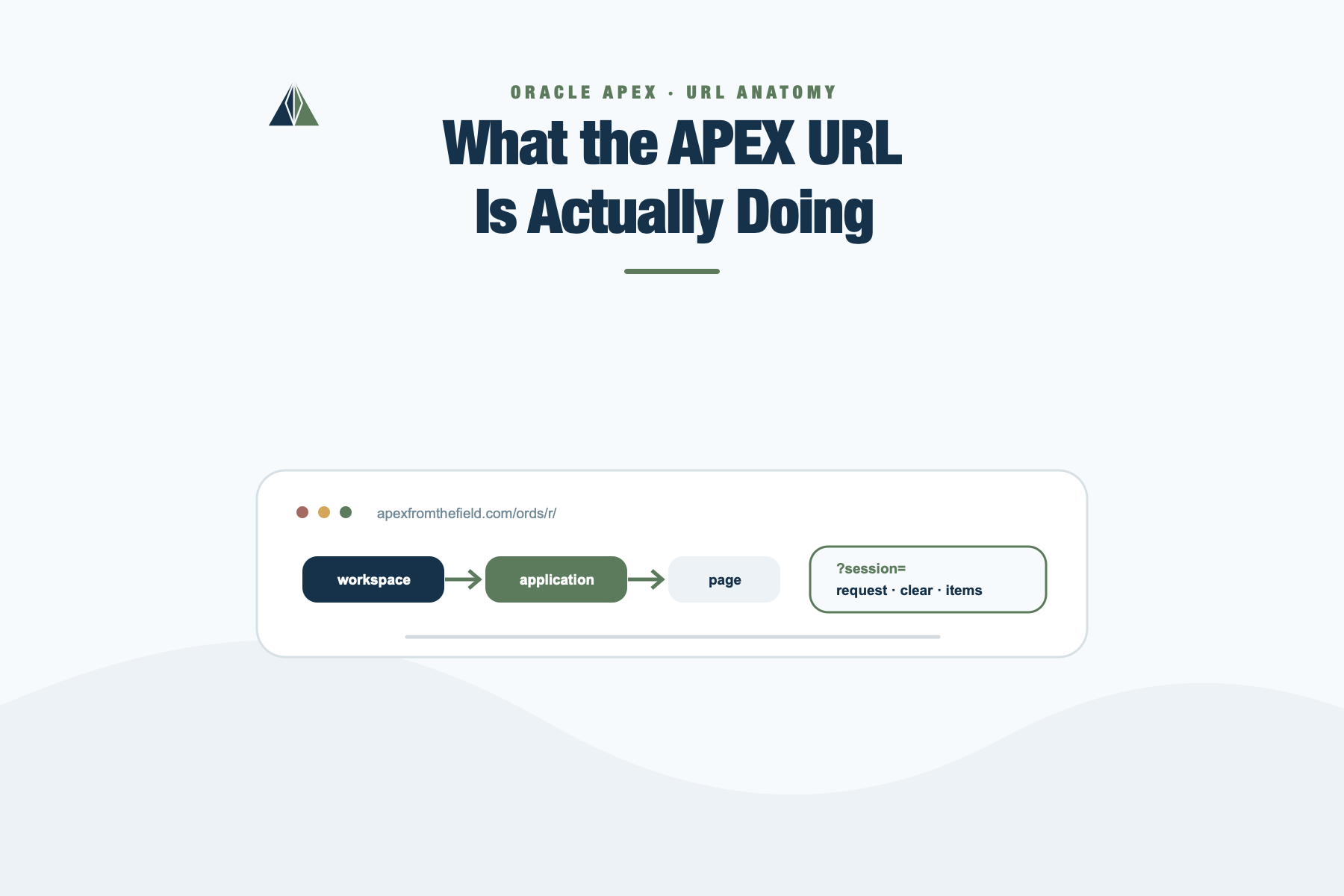
Since APEX 20.1, new applications use Friendly URL syntax by default. If you created your application recently, your URLs look something like this:
https://hostname/ords/r/workspace/my-app/my-page
  ?session=13766599855150
The structure is a directory hierarchy: workspace path prefix, application alias, page alias. Parameters come after the ? as standard named query parameters. This is the format used throughout this post.
If you are still working with an older application that uses the legacy f?p syntax, the concepts are exactly the same. Every parameter described here has a direct equivalent in that format. The difference is notation, not capability.
One practical note before going further: do not write these URLs by hand when checksums are involved. Use APEX_PAGE.GET_URL. It produces the correct format for the target application automatically and handles the checksum. More on that at the end.
The path is already part of the message
The three segments before the ? are not just routing, they are configurable.
The path prefix defaults to the workspace name, but you can change it in Workspace Administration. The application alias defaults to the application name and is editable in the Application Definition. The page alias defaults to the page name and is editable in Page Designer.
Once those are set, a URL like:
https://hostname/ords/r/mycompany/hr-app/update-employees
  ?session=&APP_SESSION.
…is readable to anyone. It survives migrations between environments where numeric IDs differ. It shows up clearly in logs and redirect traces. And it does not break when someone renumbers pages during a refactor.
This is a small decision with long-term maintenance consequences. Setting meaningful aliases early costs almost nothing. Not setting them tends to be regretted later.
session — the part that breaks outside a running app
Inside a running application this is almost always &APP_SESSION. and the engine fills it in.
Where it gets tricky is generating URLs from outside a running session, in a scheduled job, a notification email, or an external system. In those cases you either call APEX_SESSION.CREATE_SESSION before generating the URL, or you pass 0 for pages that are public and do not require authentication.
Passing nothing and hoping the engine figures it out is how you end up with session errors that only happen in production emails.
request — it is not just a label
The request parameter sets the value of the :REQUEST bind variable on the destination page. Every process, validation, and branch in APEX can be conditioned on it.
That means a link is not just navigation. It is an instruction.
https://hostname/ords/r/workspace/my-app/form
  ?request=EDIT_MODE
  &session=&APP_SESSION.
The page loads with :REQUEST = ‘EDIT_MODE’. Whatever processes or regions are conditioned on that value fire. The others do not. The same page serves two completely different behaviors without a single hidden flag.
I have used this to run the same form page in create mode and edit mode with no duplicated logic. One page, one set of processes, conditioned on what arrives in the URL.
There is another use that most developers do not know about.
Passing APPLICATION_PROCESS= as the request value tells APEX to skip page rendering entirely and execute an On Demand application process instead.
https://hostname/ords/r/workspace/my-app/current-page
  ?request=APPLICATION_PROCESS%3DREFRESH_TOTALS
  &session=&APP_SESSION.
APEX executes the process without rendering the page and returns the process response to the caller. You can pass item values alongside it. This is a clean way to trigger server-side logic from a link or from JavaScript without building a full Ajax callback region. The target process must be defined as an On Demand Application Process.
debug — YES is LEVEL4, and there are nine levels
Most people know you can turn on debug mode. Fewer know exactly what they are turning on.
https://hostname/ords/r/workspace/my-app/my-page
  ?debug=YES
  &session=&APP_SESSION.
YES is equivalent to LEVEL4. APEX supports nine verbosity levels, from LEVEL1 to LEVEL9. Higher levels expose more of what the engine is doing internally, things that stay invisible at LEVEL4.
https://hostname/ords/r/workspace/my-app/my-page
  ?debug=LEVEL9
  &session=&APP_SESSION.
In practice, LEVEL4 covers most process and query issues. LEVEL9 is for when you need to follow every step the engine takes and understand exactly what it chose to do and why.
The other advantage of putting debug in the URL is that you can share it. Instead of explaining how to open the developer toolbar, you send a link that already has debug on. The person triggers exactly the request you need, and you analyze it in the debug log without being there when it happens.
clear — page numbers are the obvious use, keywords are the useful ones
Passing a page number resets all session state for that page before it loads. You can pass a comma-separated list for multiple pages.
https://hostname/ords/r/workspace/my-app/my-form
  ?clear=3,7
  &session=&APP_SESSION.
But the keywords are where this gets interesting.
RP resets region pagination on the current page. One keyword, and the report the user had scrolled deep into starts from the top on the next visit.
APP clears session state for all pages and all application items in the current application. Sort preferences too. A full reset scoped to this application.
SESSION does the same but across every application the user has visited in the current session.
You can combine any of these:
https://hostname/ords/r/workspace/my-app/home
  ?clear=RP,3,5
  &session=&APP_SESSION.
The bug that clear prevents is worth naming explicitly. Navigate to a form without clearing it and the page loads with whatever the user last had in session state. In single-user testing that feels harmless. In production, stale state from a previous interaction shows up as pre-populated data that was never intended to be there. I have seen this cause real data integrity issues. The fix is one keyword in the URL.
Item values — seeding state from the link
Page items can be initialized directly from the URL. The parameter name is the item name in lowercase, and the value is whatever you need to pass.
https://hostname/ords/r/workspace/my-app/detail
  ?p8_dept_id=10
  &p8_mode=SUMMARY
  &session=&APP_SESSION.
When the page loads, P8_DEPT_ID is 10 and P8_MODE is SUMMARY. Both are immediately available in session state, in queries, in conditions, in default expressions, everywhere.
The most natural use is master-detail navigation. The report row carries the key to the detail page directly in the link. No application item acting as a shared variable, no dynamic action setting values before redirect. The URL does it.
One note: values passed this way are visible in the browser address bar and history. For identifiers and display preferences that is fine. For anything that should not be visible or tampered with, Session State Protection and a checksum are the answer, covered at the end.
printerFriendly — the parameter nobody remembers
Pass printerFriendly=YES and the page renders using the printer-friendly template defined in the application. Form items become plain text. Regions excluded in that context disappear.
https://hostname/ords/r/workspace/my-app/report
  ?printerFriendly=YES
  &session=&APP_SESSION.
You can reference the state in conditions using V(‘PRINTER_FRIENDLY’) to control which regions appear. In modern applications CSS often handles print styling, but when the template distinction matters, this is the parameter that triggers it without touching any page logic.
Interactive Reports — the URL as a filter engine
This is the part most developers handle the hard way. APEX has deep URL support for controlling Interactive Report state from the outside, and it is one of the most underused capabilities in the platform.
For resetting report state, the clear parameter accepts IR-specific keywords.
RR resets the report and its pagination. Equivalent to the user clicking Reset in the Actions menu.
CR is more aggressive. It clears all session report settings, filters, aggregates, control breaks, charts, highlights, computations, and resets pagination. Use this when you need to guarantee a completely clean state regardless of what the user had configured.
RP resets only pagination, leaving everything else intact.
https://hostname/ords/r/workspace/my-app/employees
  ?clear=RR
  &session=&APP_SESSION.
To link directly to a specific saved report, use the request parameter:
https://hostname/ords/r/workspace/my-app/employees
  ?request=IR[my_region]_REPORT_ALIAS
  &session=&APP_SESSION.
Where my_region is the static ID of the IR region and REPORT_ALIAS is the alias of the saved report. A chart click can land the user directly on the exact view that makes sense for that data point.
For applying column filters, the item name pattern is ir_column_name for equality, or ir{operator}_column_name for other comparisons.
https://hostname/ords/r/workspace/my-app/orders
  ?clear=RR
  &ir_status=ACTIVE
  &irlt_amount=1000
  &session=&APP_SESSION.
That resets the report and applies two filters: STATUS equals ACTIVE, AMOUNT less than 1000. The full operator set: no prefix for equality, lt, lte, gt, gte, neq, like, n (null), nn (not null), c (contains), nc (not contains).
There is also ir_rowfilter, which applies a row text search across all STRING and NUMBER columns in the report, the equivalent of the user typing in the search box.
I have used this pattern to connect charts to Interactive Reports. The user clicks a bar, the URL carries the dimension and value, the report loads already filtered to exactly that slice. No process, no dynamic action, no item to prepare before navigation. The URL does the work.
APEX_AUTHENTICATION — switching schemes without touching a page
This one is passed as the request value, and it tells APEX to associate a different authentication scheme with the current session.
https://hostname/ords/r/workspace/my-app/login
  ?request=APEX_AUTHENTICATION%3DPartner-Scheme
  &session=&APP_SESSION.
For this to work, the target scheme needs Switch in Session enabled. Once it does, APEX registers that scheme for the session and uses it for all subsequent requests.
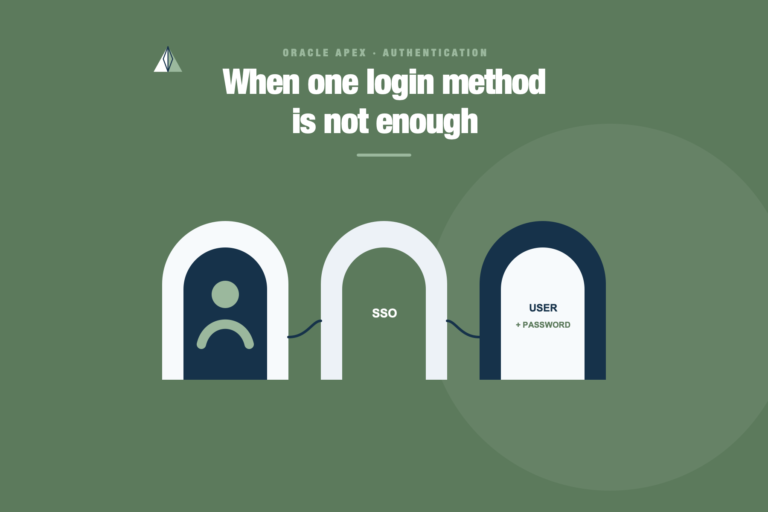
Where this becomes useful is an application that needs to support multiple identity providers side by side. Each entry path gets its own button, each button carries a different scheme name in the request, and the routing stays in the link, not inside page processing logic.
One limitation worth knowing: if the application has an Authentication Configuration Procedure, URL-based switching is not supported. The Switch in Session attribute still needs to be set on the scheme regardless, it is a platform requirement even when the feature itself does not apply in that context.
URL tampering is real, and the fix is one function call
Everything above involves passing values through the URL. That also means those values can be modified by anyone who knows how to edit an address bar.
Session State Protection is the guard. When SSP is enabled, passing items, request values, or clear keywords via URL requires a valid checksum, the cs parameter you will see at the end of URLs generated by APEX itself. Without it, APEX rejects the request.
The right way to generate these URLs programmatically is APEX_PAGE.GET_URL. It calculates the checksum, produces the correct format for the target application, and handles the edge cases.
l_url := apex_page.get_url(
    p_page        => 8,
    p_items       => 'P8_DEPT_ID,P8_MODE',
    p_values      => '10,SUMMARY',
    p_clear_cache => '8'
);
For URLs built outside a running session, scheduled jobs, emails, external integrations, APEX_UTIL.PREPARE_URL with p_checksum_type => ‘SESSION’ is the reliable alternative.
Building URLs by string concatenation and skipping the checksum works until SSP is enforced. Then it fails silently for the users and loudly for the team trying to debug it.
The URL is not just navigation
Looking at these parameters together, the pattern is consistent. Each one passes intent from the caller to the destination, without hidden items, without processes that exist only to set flags, without dynamic actions that fire before a redirect just to prepare state.
request tells the page what mode to operate in. clear tells it what to forget. Item parameters give it the context it needs. debug tells it to be verbose. APPLICATION_PROCESS skips the page entirely and runs server-side logic. IR parameters put a report into a specific state before the user sees it. APEX_AUTHENTICATION changes the identity model for the session.
None of this is new. These parameters have been part of APEX for a long time.
What changes when you know all of them is not the technology. It is the decisions you make when designing the application. The hidden items you do not add. The processes you do not create just to move a value from one place to another. The dynamic actions you do not write because the URL already carries the instruction.
The URL is not just navigation. In APEX, it is one of the primary mechanisms for carrying state, intent, and execution context across requests.
Once you understand that, a lot of application design becomes simpler.